Updated September 21, 2026
WARDOGS Season 1 Progression, XP and Unlocks
Read the official Season 1 XP bands and all 18 unlock moves, then separate role level, access and purchase before planning a WARDOGS grind.
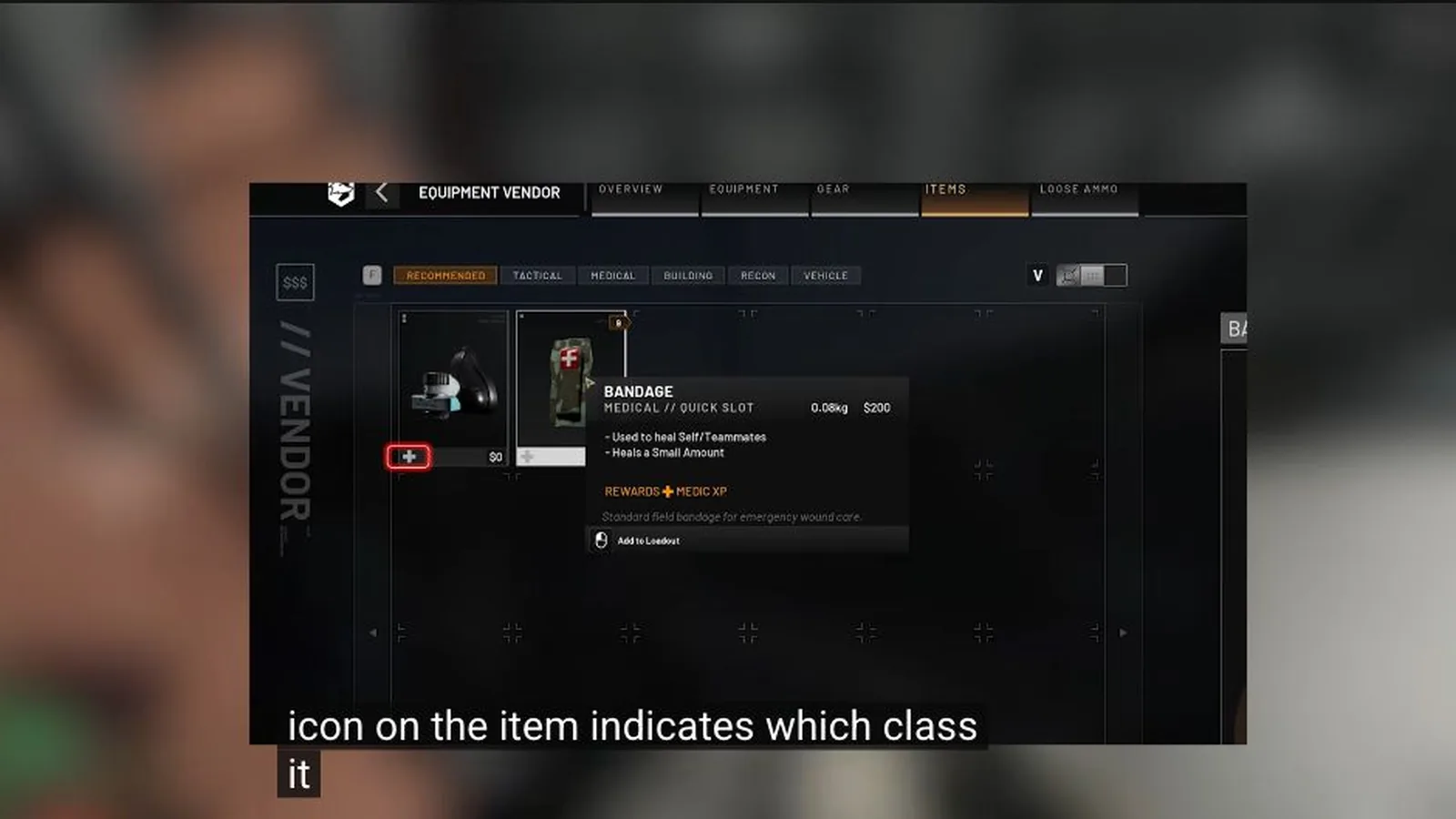
Identify which progression moved
After one clear role action, compare the result screen with the previous match. Record WARDOG Level, the relevant track and any unlock notice separately.
Do not assume carrying a tool is enough. Beta descriptions tie progress to actions performed with equipment and vehicles.
Progress the job you perform
Choose one measurable action—repair, transport, healing, spotting, construction or weapon use—and compare XP before and after. This creates a reliable personal test without a complete beta table.
Mixed loadouts can contribute to several kinds of work. Read the result labels instead of deciding the class from the primary weapon alone.
Read the Season 1 XP bands
The official changelog says levels below 6 are unchanged, slows the curve most sharply through levels 10–20, and flattens it from 35 onward. It does not publish the requirements above level 50.
| Level | Before | Season 1 | Change stated |
|---|---|---|---|
| 6 | 8,750 | 9,250 | 5.7% slower |
| 10 | 25,000 | 35,000 | 40.0% slower |
| 15 | 54,750 | 110,000 | 100.9% slower |
| 20 | 111,500 | 250,000 | 124.2% slower |
| 25 | 192,000 | 325,000 | 69.3% slower |
| 30 | 293,750 | 400,000 | 36.2% slower |
| 35 | 416,500 | 500,000 | 20.0% slower |
| 40 | 551,250 | 650,000 | 17.9% slower |
| 45 | 689,500 | 800,000 | 16.0% slower |
| 50 | 838,000 | 1,000,000 | 19.3% slower |
Check all 18 Season 1 unlock moves
These are the track and level moves stated in the official changelog. A moved unlock still does not prove automatic ownership; read the live item card before spending cash.
| Track | Item | Before | Season 1 |
|---|---|---|---|
| Career | Sports Parachute | 36 | 35 |
| Career | Large Backpack | 56 | 55 |
| Career | 762x54mm AP | 83 | 82 |
| Career | 556mm AP | 85 | 83 |
| Career | Deagle | 90 | 85 |
| Career | Artillery Tank | 55 | 90 |
| Medic | PP-19 50-round drum magazine | 33 | 29 |
| Support | Large Hammer | 7 | 8 |
| Driver | URAL | 4 | 3 |
| Driver | Kodiak Assault | 8 | 6 |
| Driver | Dune Buggy | 10 | 8 |
| Driver | Kodiak Flatbed | 2 | 10 |
| Driver | Large Supply Crate | 20 | 16 |
| Driver | URAL Covered | 30 | 18 |
| Pilot → Driver | Music Tape H | Pilot 28 | Driver 23 |
| Driver | URAL Attack | 40 | 25 |
| Driver | Humvee with minigun | 35 | 30 |
| Career → Driver | Heavy Tank | Career 35 | Driver 35 |
Check the unlock screen
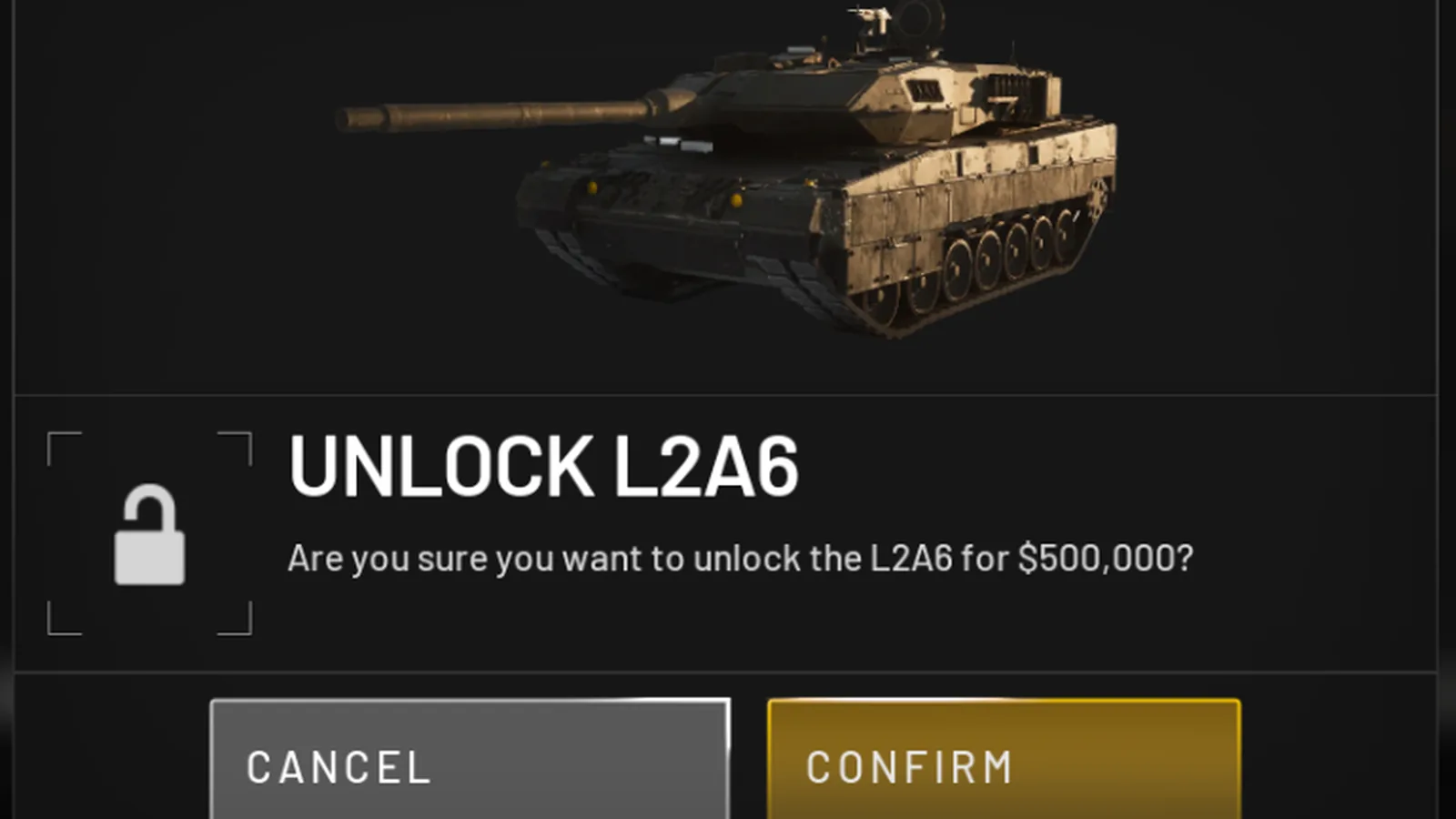
When an item becomes available, read the visible requirement. The next step may be ownership, a one-time access purchase or ordinary per-life spending.
The vehicle image proves a beta unlock confirmation, not a future price.
Do not assume a season reset
Account level, role XP, purchase permission, cash, cosmetics and statistics are separate fields. Only the current season notice can establish which reset.
Save the live season text and recheck official notes before a long grind.
Sources and further reading
Official WARDOGS Season 1 changelog — September 9, 2026 →
WARDOGS core systems video — TacticalNed →
KEEP READING