Updated September 21, 2026
WARDOGS Loadouts, Weapons and Battlefield Roles
Build a WARDOGS loadout around one team task, account for Season 1 role and capacity changes, and keep enough cash to replace the kit.
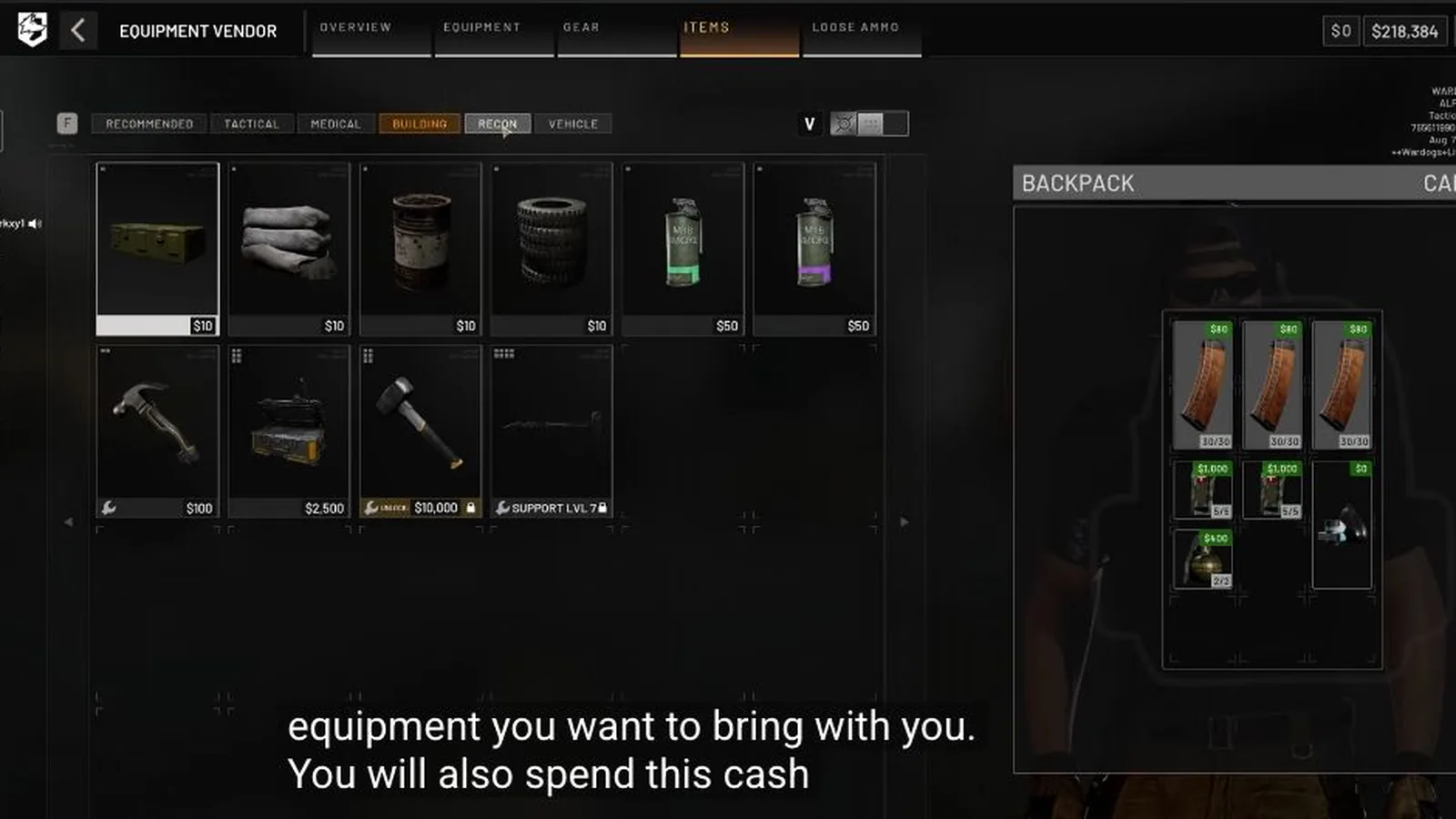
Start with the action, not the weapon
Write the next life’s job in plain language: hold an approach, revive, repair, move supplies, spot or build. If an item does not help that sentence, it is probably a luxury for this deployment.
You can mix equipment associated with different tracks, but the team still needs to know what you intend to do.
Read the item card and role icon
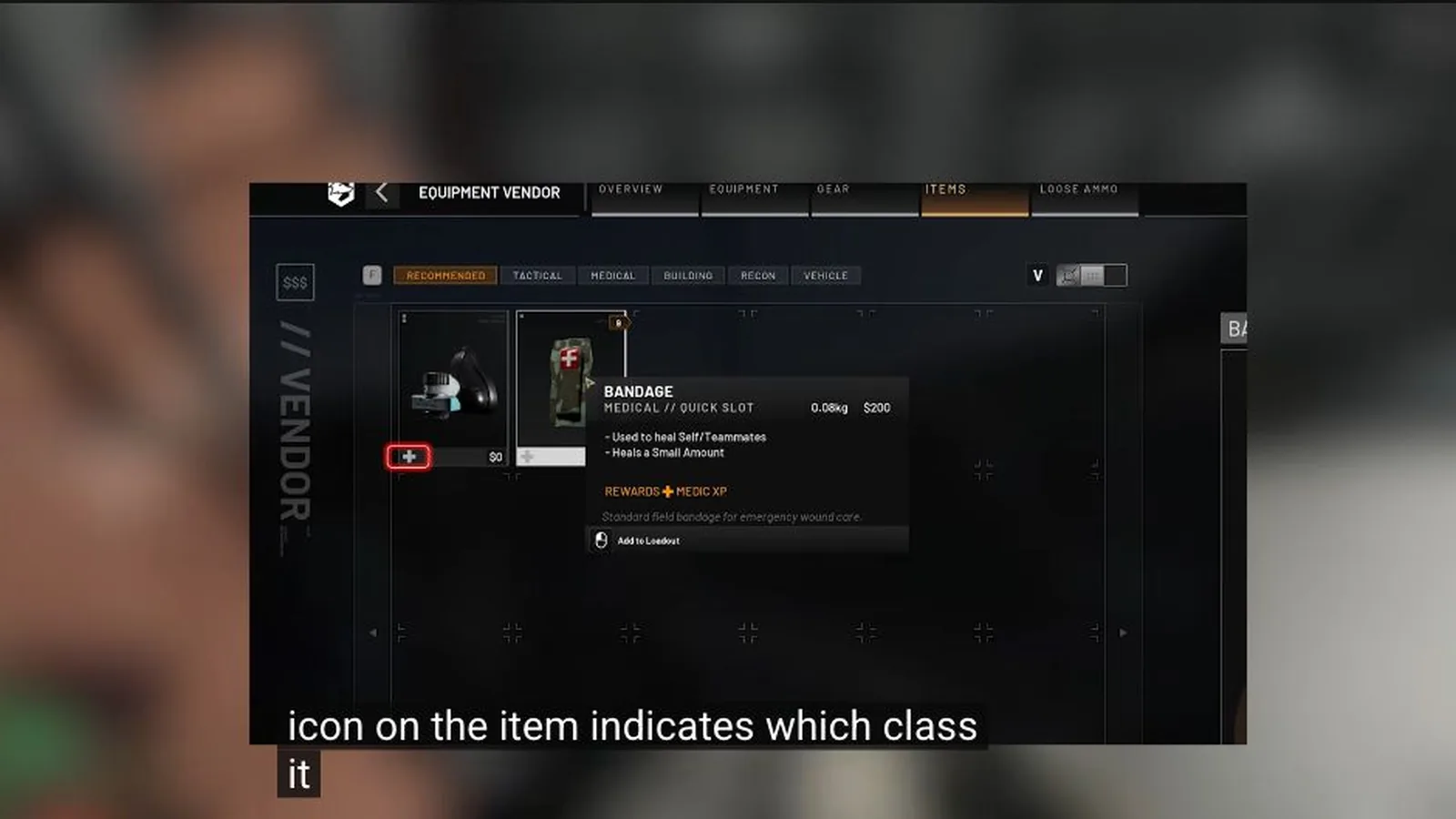
The August beta vendor showed item details, a role icon and the track that receives related XP. Inspect the current item card instead of assuming a familiar weapon belongs to the same track after an update.
The bandage card below shows item, price and role association together. Its numbers remain beta-era evidence, not a permanent recommendation.
Check capacity and weight
A kit must fit the backpack and remain mobile enough for its job. Transport and construction gear may justify more weight; a scout needs a different compromise. Use the live weight readout rather than copying an old threshold table.
Carry a complete minimum kit first. Add magazines, armor, explosives or specialist tools only after the essentials and a replacement budget are protected.
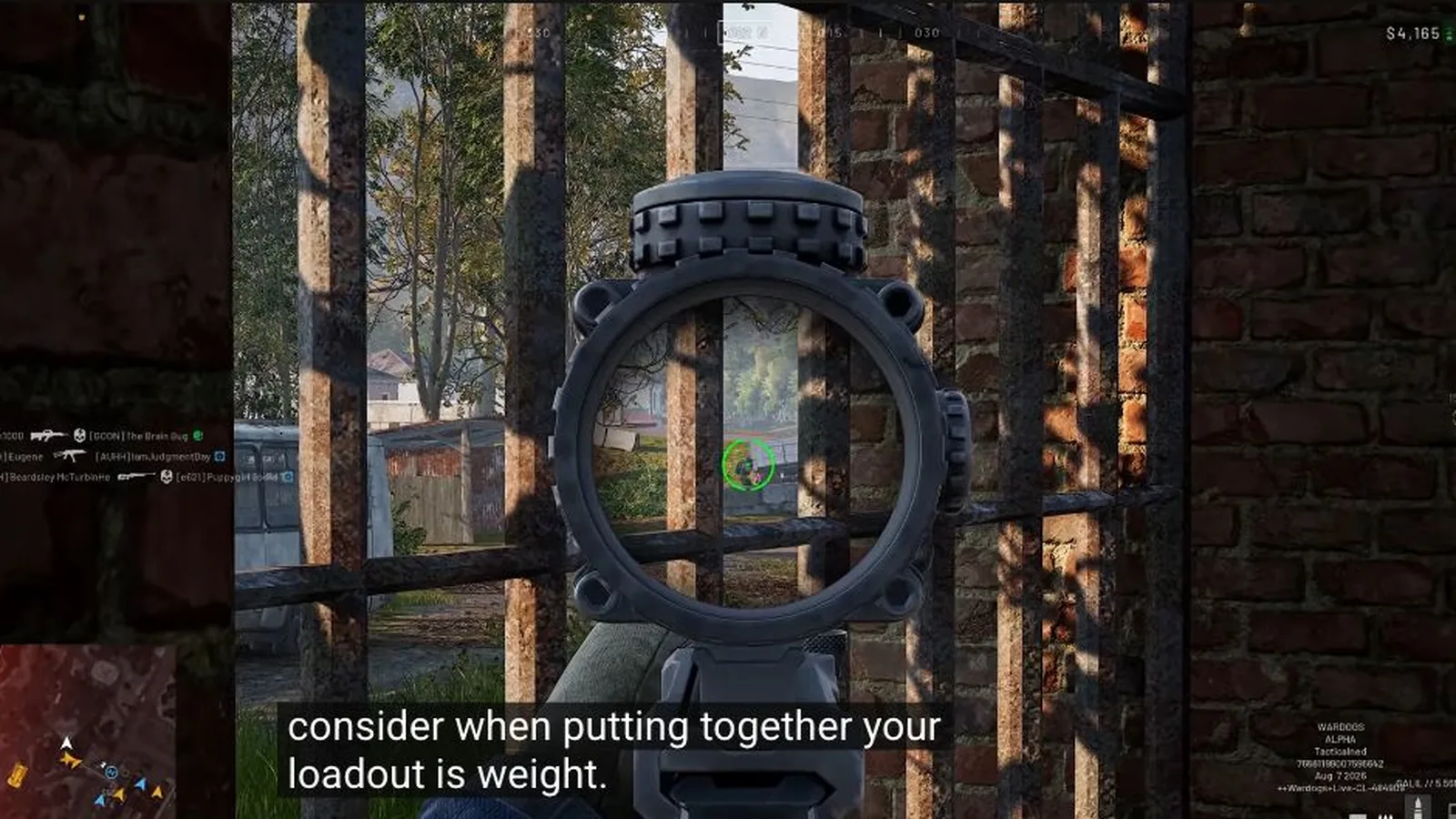
Test Galil, T-21 and other weapons on the same job
Recent player reports disagree about whether Galil, T-21, M4 or another rifle is the best. That disagreement is useful: unlock level and price do not replace a controlled comparison.
Take two candidate weapons into the same range and role. Use the same optic, ammunition class and target distances where the game permits it, then record which one you can keep on target and afford to lose. Recheck after balance patches.
| Check | Keep constant | Decision |
|---|---|---|
| Control | Range, stance and burst length | Which weapon returns to target more reliably? |
| Role fit | Same route and engagement distance | Which weapon suits the job rather than the menu rank? |
| Economy | Complete kit and replacement reserve | Can you fund several ordinary lives? |
| Ammo | Magazine and carried reserve | Can you finish the expected fight without overpacking? |
Account for the Season 1 role and space changes
The official Season 1 changelog moved Heavy Tank from Career level 35 to Driver level 35. It also says 155mm, 122mm and flare deployables take more room in a loadout, without publishing the new slot values.
Treat old loadout screenshots as versioned examples. Confirm the live role icon and capacity meter before buying the rest of a vehicle or indirect-fire kit.
| Item | Season 1 change | Still check in game |
|---|---|---|
| Heavy Tank | Career level 35 → Driver level 35 | Current item card and purchase state |
| 155mm deployable | Uses more loadout room | Exact current space |
| 122mm deployable | Uses more loadout room | Exact current space |
| Flare deployable | Uses more loadout room | Exact current space |
Plan the loss before the upgrade
Ask what happens if the squad loses the route, vehicle or first fight. A cheaper kit that can be replaced may produce more useful attempts than one expensive life.
When an item unlocks, confirm whether it was granted, became purchasable or still requires another prerequisite. Progression and ownership are separate decisions.
Sources and further reading
Official WARDOGS Steam store page →
Official WARDOGS page — Team17 →
Official WARDOGS Season 1 changelog — September 9, 2026 →
WARDOGS core systems video — TacticalNed →
KEEP READING