Updated September 21, 2026
WARDOGS Medic and Revive Guide
Build a practical WARDOGS medic kit, reach a downed teammate safely, use the live revive prompt and check the Season 1 Medic unlock change.
Buy the medical job before the gun
Start with the healing or revive tool required for the task, enough charges or supporting equipment to use it, and a weapon you can control while moving between teammates. Do not spend the medical budget on the most expensive SMG by default.
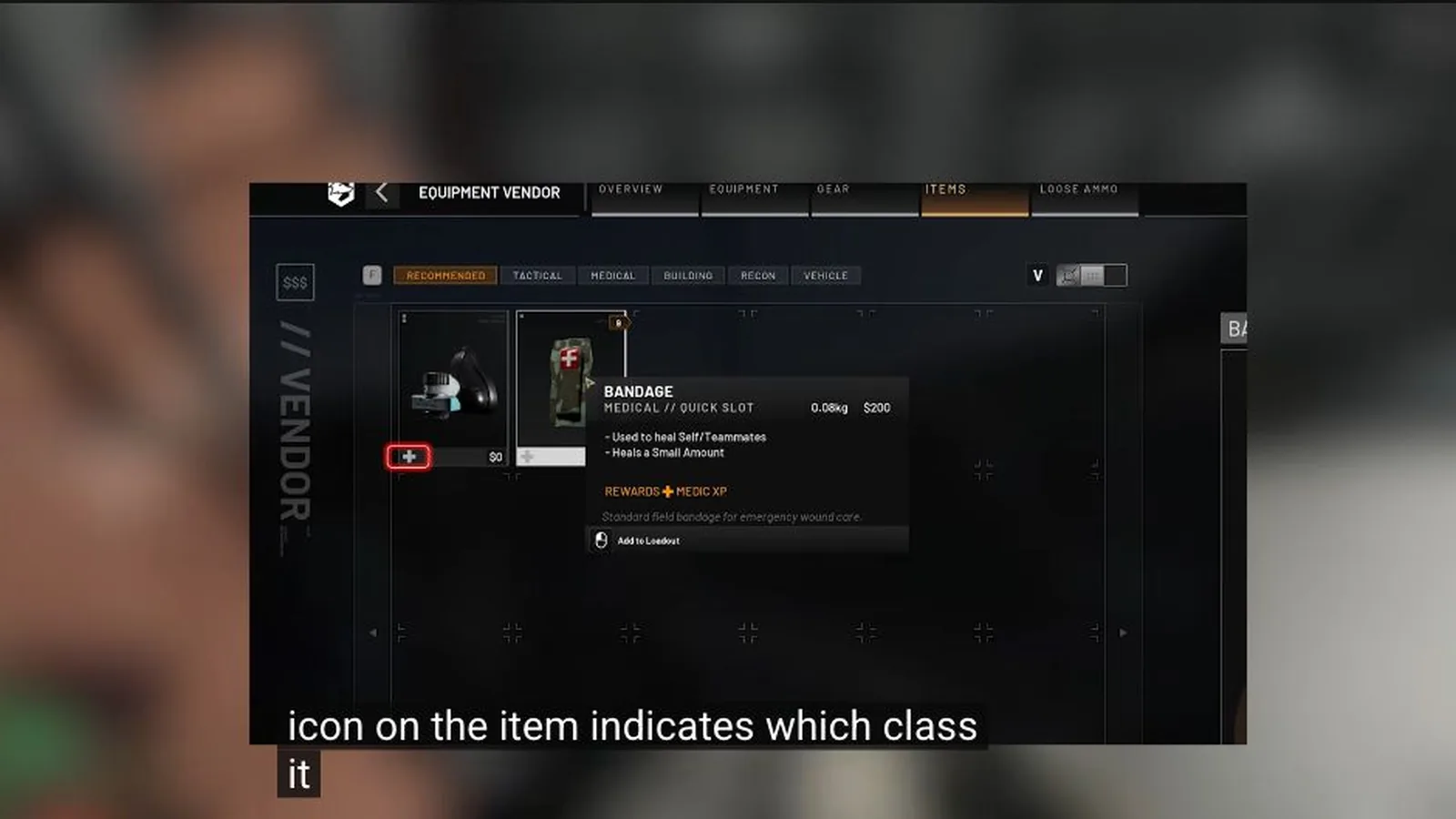
Bandages cover basic treatment. Current guides also list Field Resuscitator, Defibrillator, Stim Pen and Medical Bag at different progression points. The official Season 1 changelog moved the Medic PP-19 50-round drum magazine from level 33 to level 29; inspect the live vendor for its purchase state and all other current prices.
Approach the casualty before committing
Identify what downed the player, where the next shot can arrive and which cover remains usable. Ask for smoke or suppression when the body is exposed; another casualty does not help the revive.
Move to the safest side, clear the immediate threat and start the interaction only when you can remain in place long enough. If the route is still open to fire, relocate or delay instead of stacking bodies.
Revive, check the result and reposition
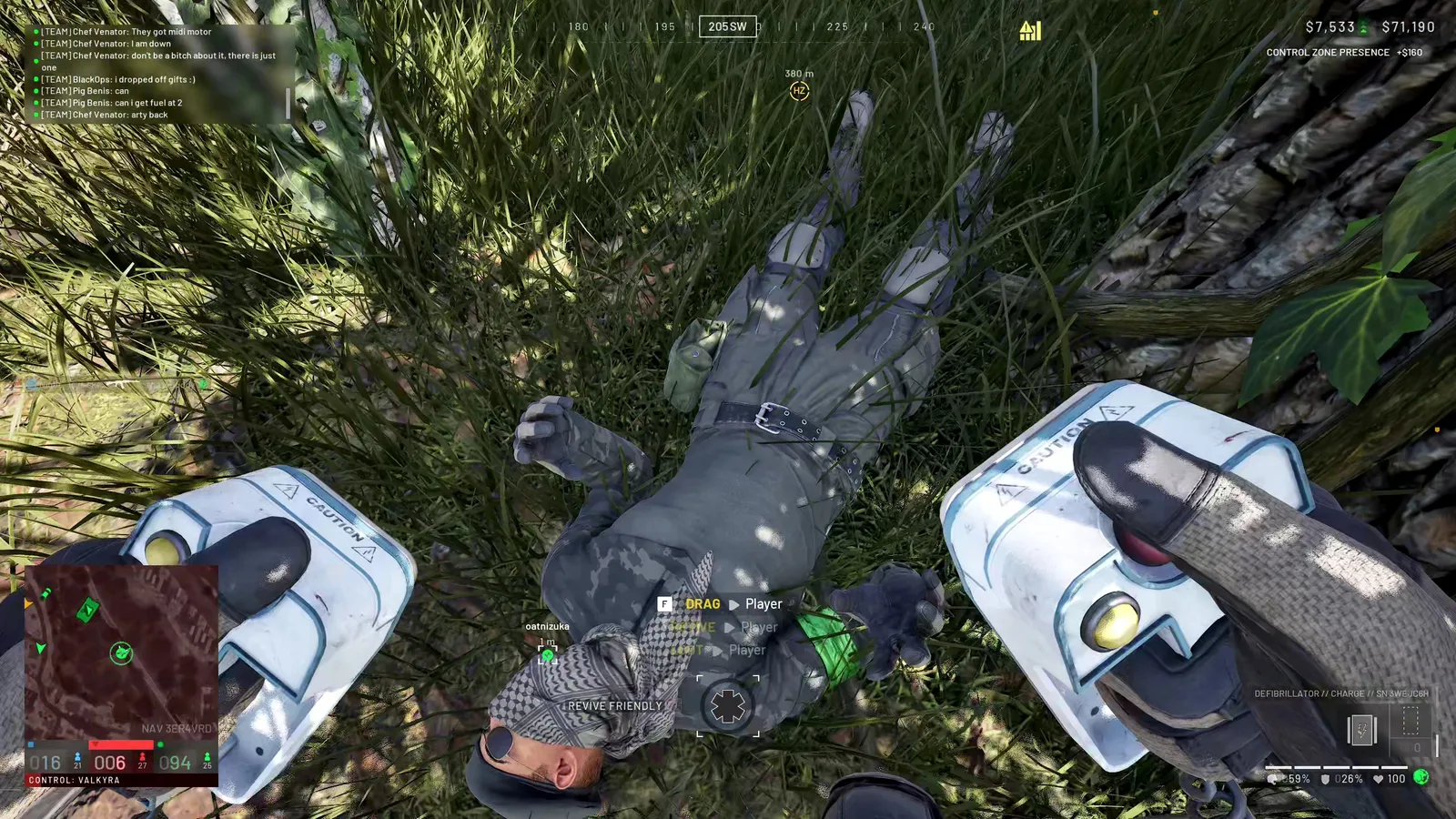
Equip the intended resuscitation tool and use the interaction shown by the live prompt. The current screenshot below shows a Defibrillator, a downed teammate and the revive interaction in the same frame; it verifies the action context without turning one captured charge or battery value into a permanent rule.
Confirm that the teammate returns to control, check whether further treatment is needed, then move away from the exact revive point together. A notification by itself does not prove the recovered player is ready for another engagement.
| Stage | Question | Visible success |
|---|---|---|
| Reach | Is the approach covered? | Medic arrives without creating a second casualty |
| Revive | Is the correct tool equipped and usable? | Teammate returns to control |
| Check | Does the player still need treatment? | Current health or treatment state is clear |
| Reset | Can both players leave the line of fire? | Squad resumes movement from cover |
What is confirmed about the Medical Bag
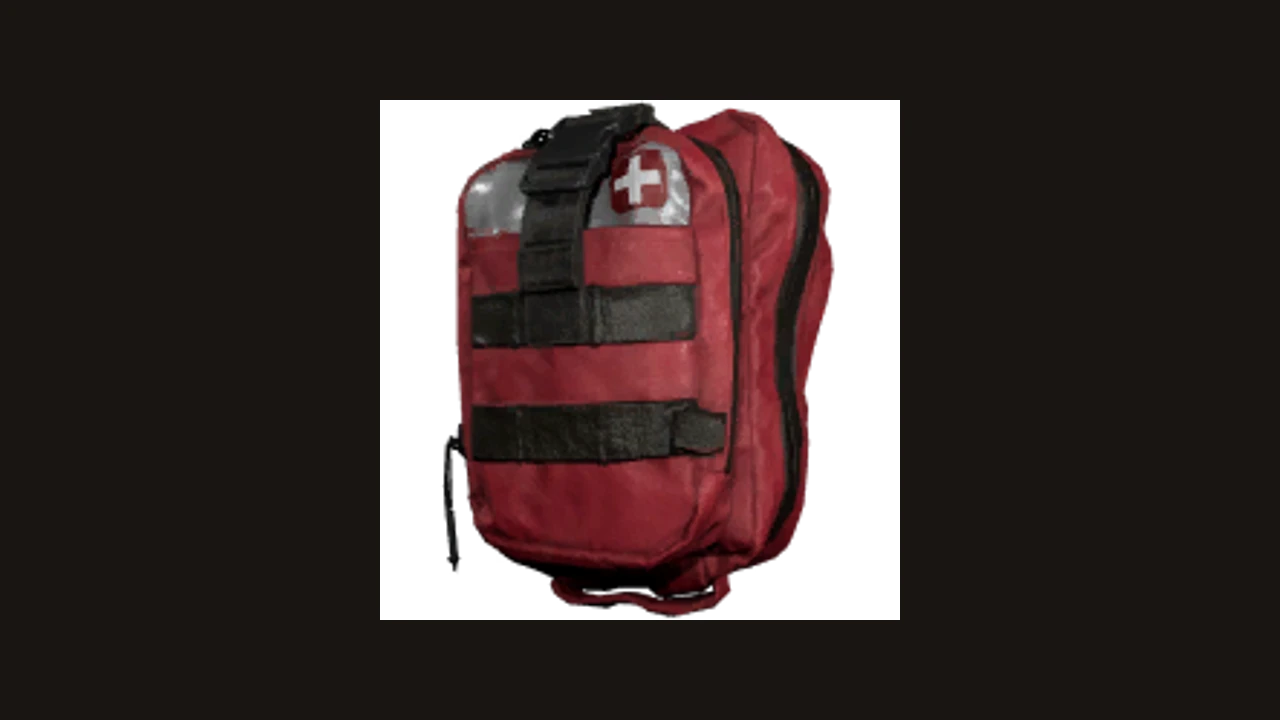
The current equipment reference includes an item named Medical Bag and shows its red bag model. That confirms the item’s identity, not its field behavior.
Its exact effect, interaction, charges and best placement remain launch checks here. Read the installed item card and observe one complete use sequence before relying on a resupply or healing claim; until then, treat the bag as a loadout option whose mechanics are not yet documented on this page.
Sources and further reading
Official WARDOGS Steam store page →
Official WARDOGS page — Team17 →
Official WARDOGS Season 1 changelog — September 9, 2026 →
WARDOGS revive and medic report — PC Gamer, September 17, 2026 →
KEEP READING