Updated September 21, 2026
WARDOGS Helicopter Controls and Flight Settings
Learn the four helicopter control axes, account for the Season 1 input-damping update, and practise a safe takeoff, hover, approach and landing.

Set the four flight controls before takeoff
Open the aircraft or rotary-vehicle controls and identify collective, pitch, roll and yaw. If you want the mouse to handle continuous pitch and roll, test Rotary Vehicle Mouse Control in a quiet area; if it feels less predictable, return to the previous setting instead of changing several axes at once.
Keep collective and yaw on inputs you can use while looking ahead. Controller or HOTAS users should check every axis direction and dead zone before starting the engine.
| Axis | What it changes | First practice |
|---|---|---|
| Collective | Vertical lift | Rise a short distance, hold height, then descend |
| Pitch | Nose forward or backward | Accelerate gently, then slow before the landing area |
| Roll | Bank left or right | Make a shallow turn and return level |
| Yaw | Heading around the vertical axis | Point the nose without forcing a steep bank |
Run one quiet takeoff and hover drill
Raise collective gradually until the helicopter becomes light, then lift into a low stable hover. Use small corrections; large alternating inputs create a swing that becomes harder to stop.
Add a little forward pitch only after the aircraft is stable. Climb high enough to clear nearby obstacles, not so aggressively that you lose the landing reference.
Slow down before the landing zone
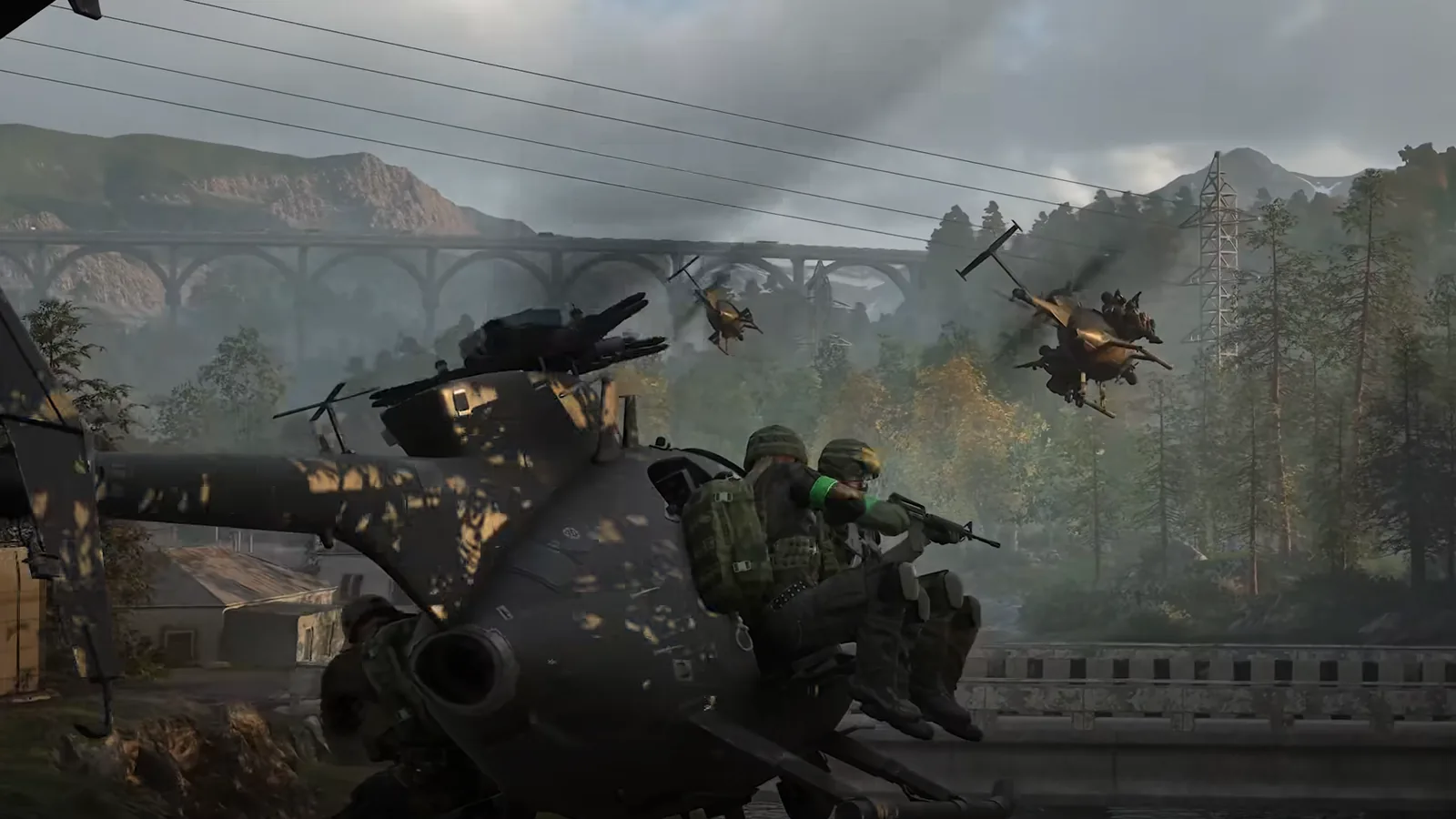
Choose the approach, landing area and escape direction before reaching the objective. Reduce forward speed early, level the aircraft, settle into a hover and then lower collective gradually.
If the area becomes unsafe, go around. A transport pilot helps the team by delivering passengers to a usable position, not by forcing a landing directly into the busiest fire.
Retest input damping after Season 1
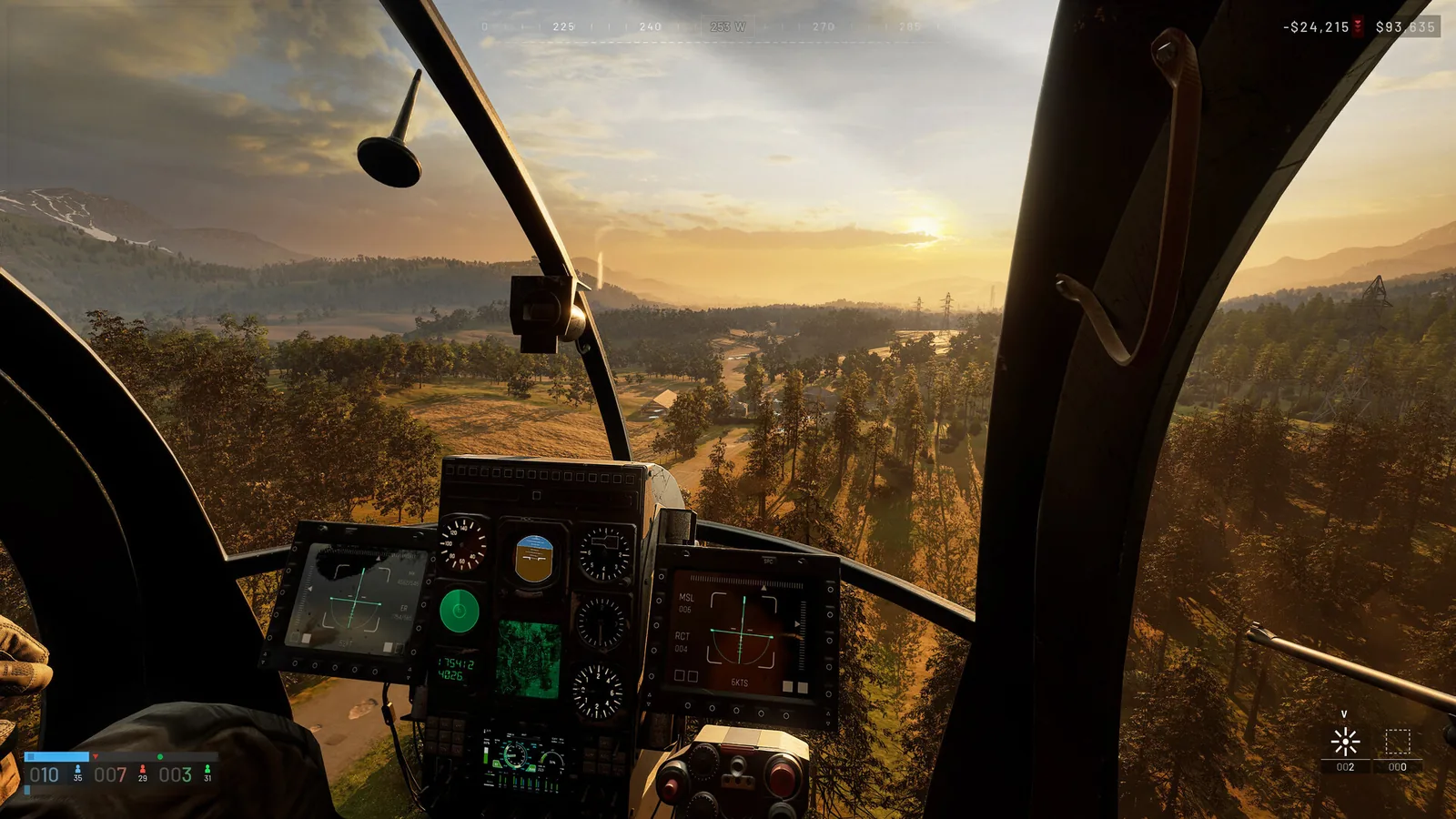
The official Season 1 changelog says helicopter input damping now applies to every input device and fixes sluggish pitch on the Z20 Lakota. It does not publish a new damping value or the rest of the Lakota balance numbers.
Retest the same takeoff, hover and approach on your actual device. Keep the patch facts separate from a sensitivity recommendation that depends on mouse DPI, controller response or HOTAS curves.
Troubleshoot the setup one variable at a time
If the helicopter continually rolls, pitches or yaws without input, recheck axis direction, duplicate bindings and dead zones. If mouse movement recenters or keeps applying input in an unexpected way, compare the rotary mouse option on and off.
Do not copy a sensitivity number without the same device, DPI, field of view and aircraft. Save a working baseline, change one setting and repeat the same takeoff-hover-landing circuit.
Sources and further reading
Official WARDOGS Steam store page →
Official WARDOGS Season 1 changelog — September 9, 2026 →
WARDOGS helicopter operations — Thrustmaster →
KEEP READING