Updated September 21, 2026
WARDOGS Controls: How to Change Seats, Push to Talk, Honk & Use the Radio
WARDOGS controls explained: change seats, talk to your squad, honk the horn, turn on the radio and use emotes, plus how to rebind them in Settings.
How do you change seats in WARDOGS?
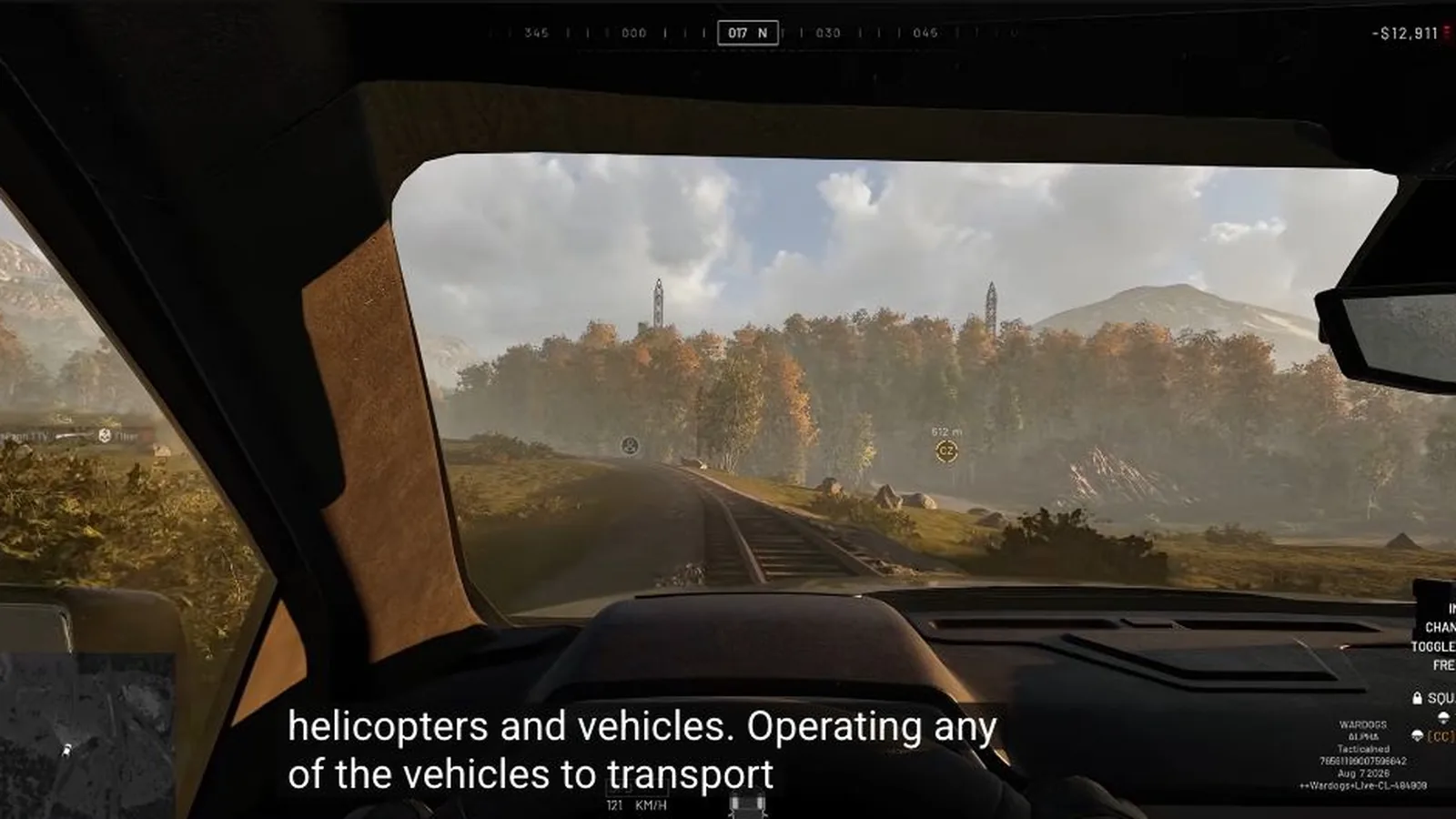
Open Settings › Controls › Keybindings and check Next Seat and Previous Seat under the ground-vehicle controls. A September 5 controls capture lists 0 for Next Seat and 9 for Previous Seat, but those remain reported inputs until they are reproduced in the current public build.
Test the displayed inputs in a stationary vehicle. Note the occupied role, press one control once and confirm that the seat, role or viewpoint changes before relying on the bind in combat.
How do you use push-to-talk and voice chat?
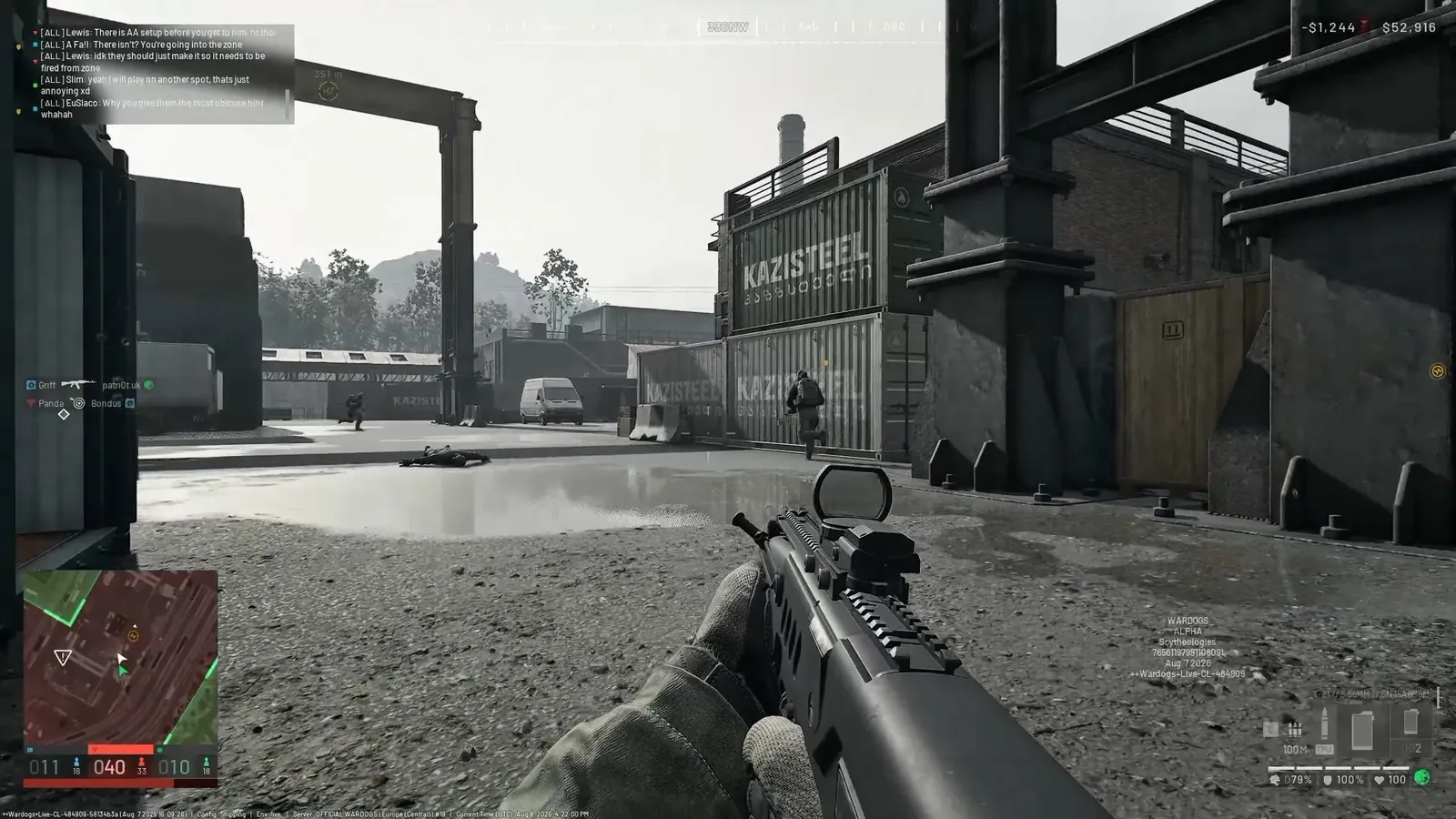
WARDOGS separates squad and proximity voice actions. A September 5 capture reports J for squad voice and K for proximity voice, but check the assigned channel and HUD indicator in your installed build before making a real call.
Season 1 fixed voice cutting out permanently after a failed join, including stale-channel rejoin, push-to-talk targeting and re-login recovery. It also improved voice reliability under load and added a visible communication status.
If voice still does not work, confirm the input device, mute state, selected channel, communication status and duplicate bindings. Proximity voice may reach a different audience from squad voice, so verify the channel indicator before sharing a plan.
How do you honk the horn in WARDOGS?
Enter a vehicle, then check the assigned Horn action under Ground Vehicle controls. The September 5 PC capture reports H, but the input only applies to a vehicle that supports the action and still needs a current-client check.
A key doing nothing while on foot does not prove that the bind is broken. If the action is missing or duplicated, save the current layout and reset only the ground-vehicle context.
How do you turn on the radio in WARDOGS?
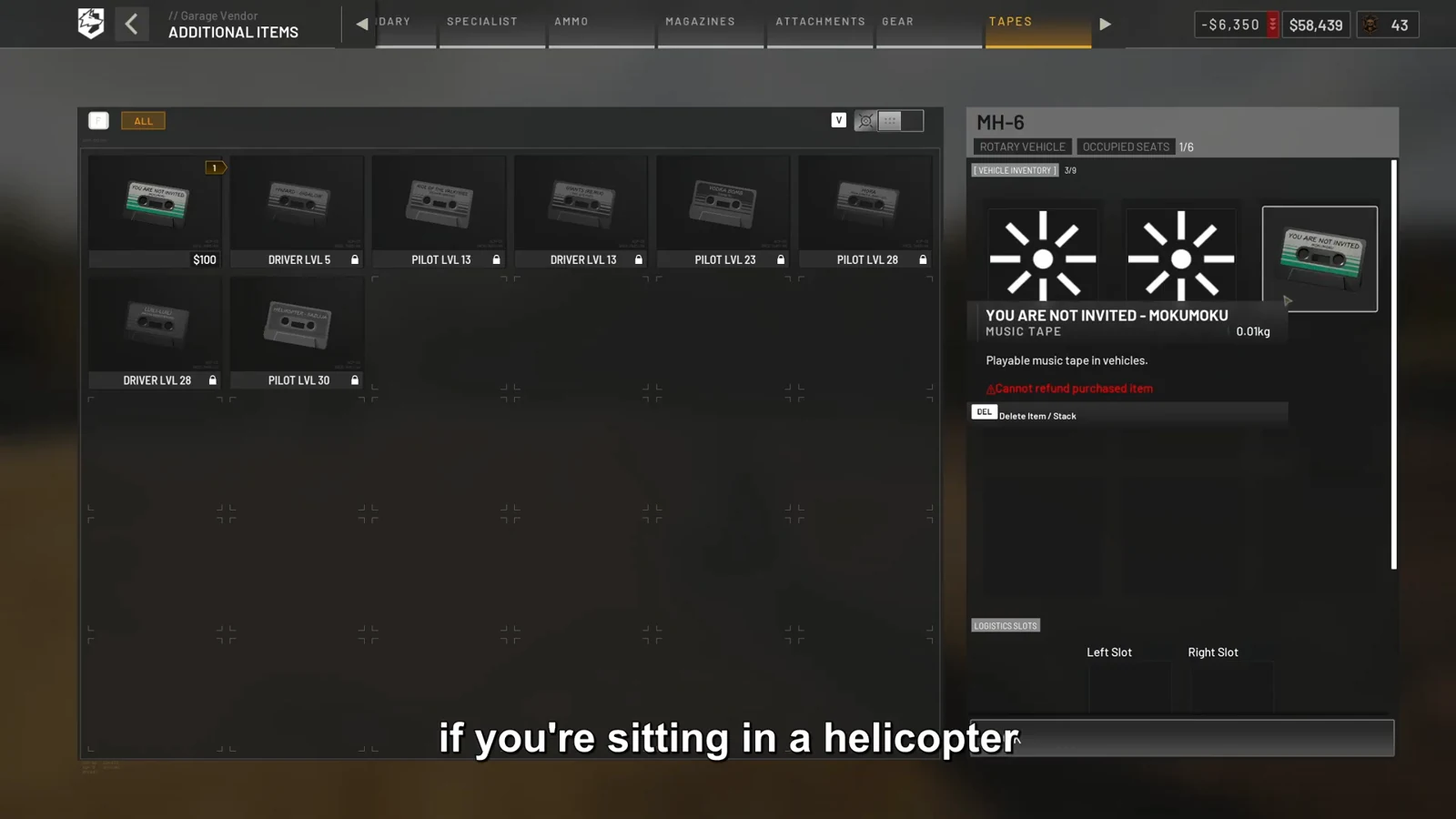
Buy or equip a music tape, close the inventory, open the vehicle interaction menu and choose Play Cassette Tape. If the radio is silent, check Radio Music Volume in the audio settings.
This page keeps the radio answer short so the dedicated music-tape guide can own the full purchase, playback and troubleshooting path.
How do you emote in WARDOGS?
Open Settings › Controls › Keybindings and check the assigned Emote or Gesture action before rebinding it. The reviewed sources did not establish a current PC or controller default, so the input remains unknown here.
Check infantry communication, gesture and interaction categories separately. Do not assume that Hands Up and the general emote wheel share one action unless the installed menu shows that relationship.
How do you open the inventory in WARDOGS?
Open the assigned Inventory action under the current control context. The September 5 PC capture reports Tab, but confirm the installed binding before relying on it.
The inventory and the vehicle interaction menu are different interfaces. Close the inventory before using a vehicle interaction such as playing a music tape.
WARDOGS PC controls and keybinds list
These are versioned source records, not a promise that every installed build uses the same defaults. Verify each action once in Settings before rebinding it.
| Action | Reported PC input | Context | Evidence status |
|---|---|---|---|
| Next Seat | 0 | Ground Vehicle | September 5 capture; current build not reproduced |
| Previous Seat | 9 | Ground Vehicle | September 5 capture; current build not reproduced |
| Squad Voice | J | Infantry | September 5 capture; verify channel |
| Proximity Voice | K | Infantry | September 5 capture; verify channel |
| Horn | H | Ground Vehicle | September 5 capture; verify vehicle support |
| Inventory | Tab | Infantry / Vehicle | September 5 capture; verify context |
| Emote or Hands Up | Unknown | Infantry | No current default in reviewed sources |
| Radio | Vehicle interaction menu | Ground Vehicle | Follow the dedicated music-tape guide |
How do you rebind WARDOGS controls safely?
A September 3 Closed Beta 02 FAQ gives the path Settings › Controls › Keybindings and reports that manually assigning a key could remove it from another infantry or vehicle action. Treat that warning as versioned evidence until the current build is checked.
- Screenshot the original binding rows before changing anything.
- Choose the correct infantry, ground-vehicle or aircraft context.
- Change one action and check for a duplicate or removed binding.
- Retest movement, interaction and the changed action in a safe area.
- Restart once and confirm that the new binding remains.
Sources and further reading
Official WARDOGS Steam store page →
Official WARDOGS Season 1 changelog — September 9, 2026 →
WARDOGS controls capture — BisectHosting, September 5, 2026 →
Closed Beta 02 keybind FAQ — Steam Community, September 3, 2026 →
KEEP READING